
How to block unnecessary light with Blu-Tack
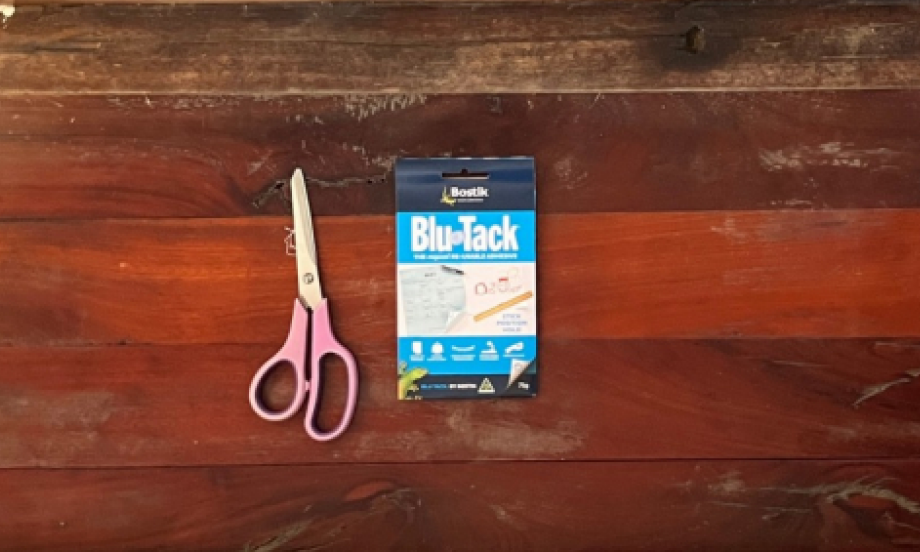
Tired of tiny indicator lights glowing across your desk or nightstand at night? Here's a quick and clever solution: use a small piece of Blu‑Tack,either the classic blue or colorful variant—to gently cover the offending light. The putty subtly blocks the unwanted glow without damaging your device or surface. It’s a simple, reusable hack that brings comfort back to your screen time, sleep space, or ambient setup. 📴💡✨
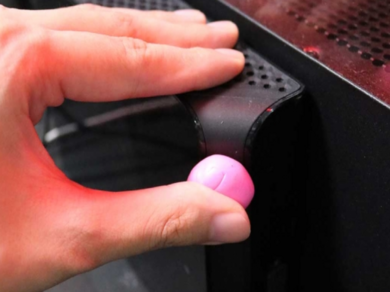
Instructions
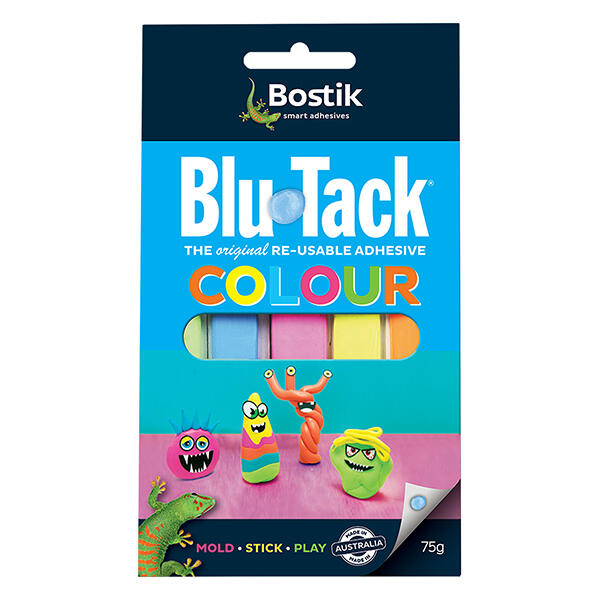

Blu Tack animals

Blu tack calculator
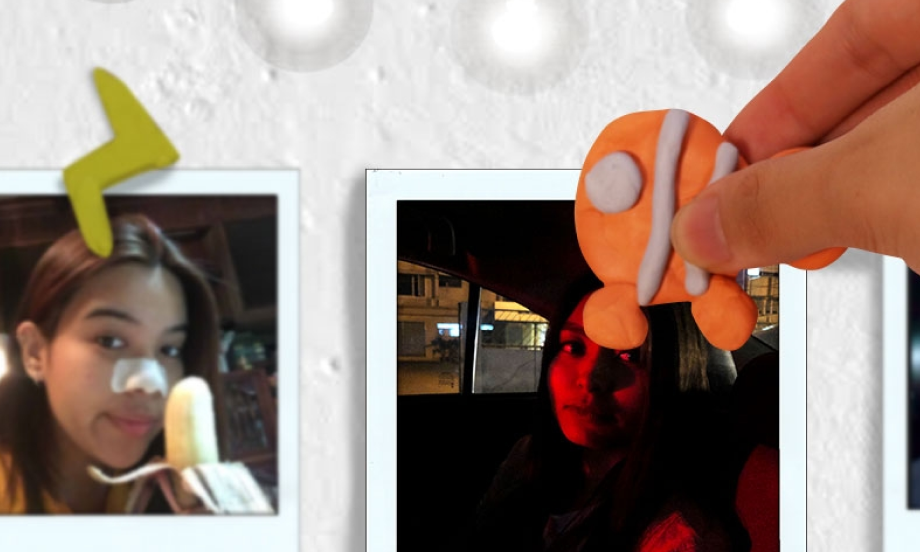
Easy way to display your photos using blu-tack
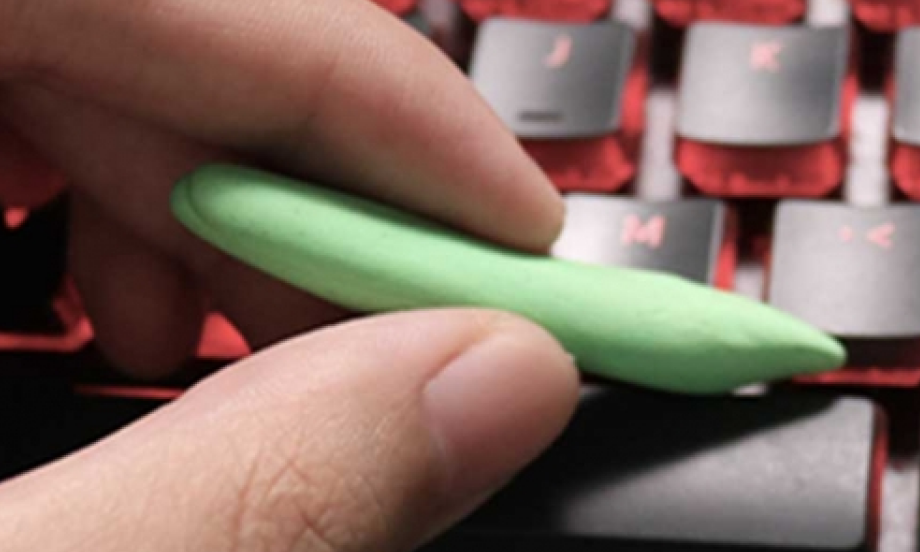
How to clean your keyboard with Blu-Tack
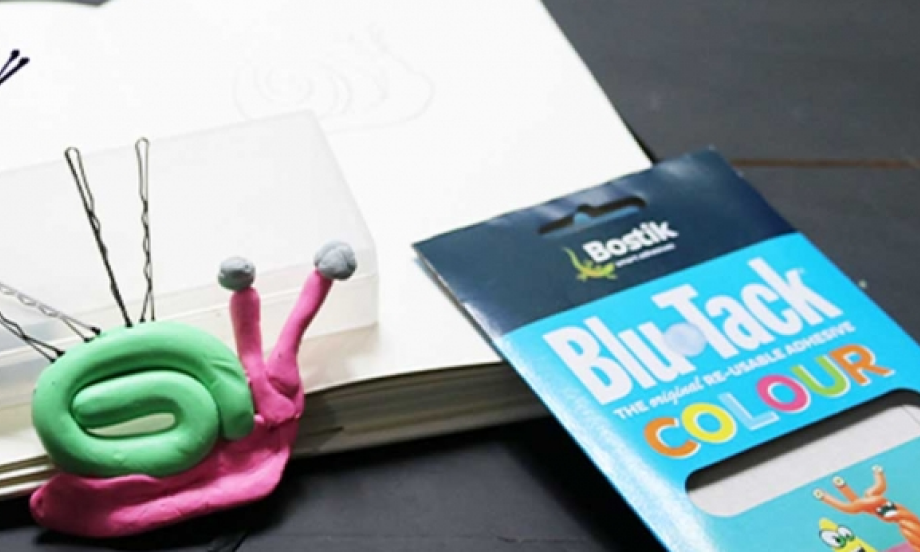
How to create mini sculptures with Blu-Tack
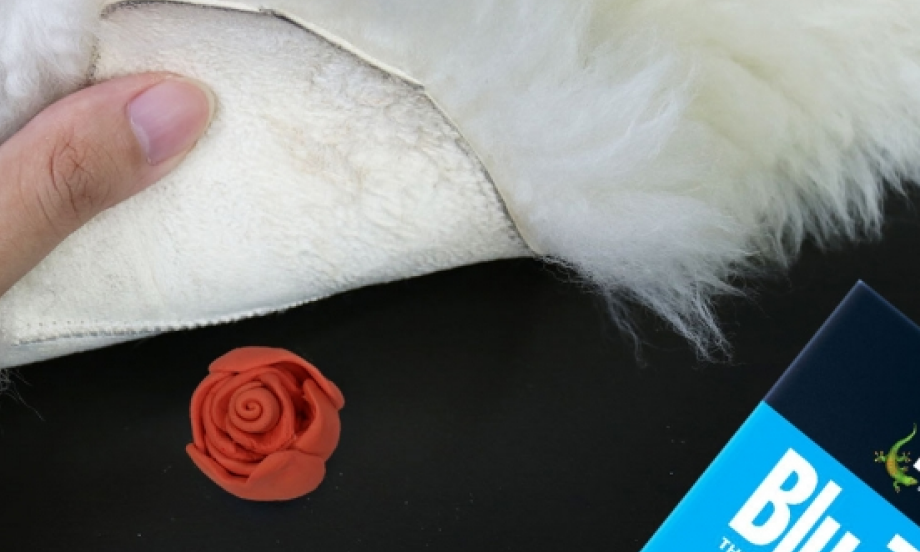
How to keep your floor rugs in place using blu-tack
How to keep your flowers in place with Blu-Tack
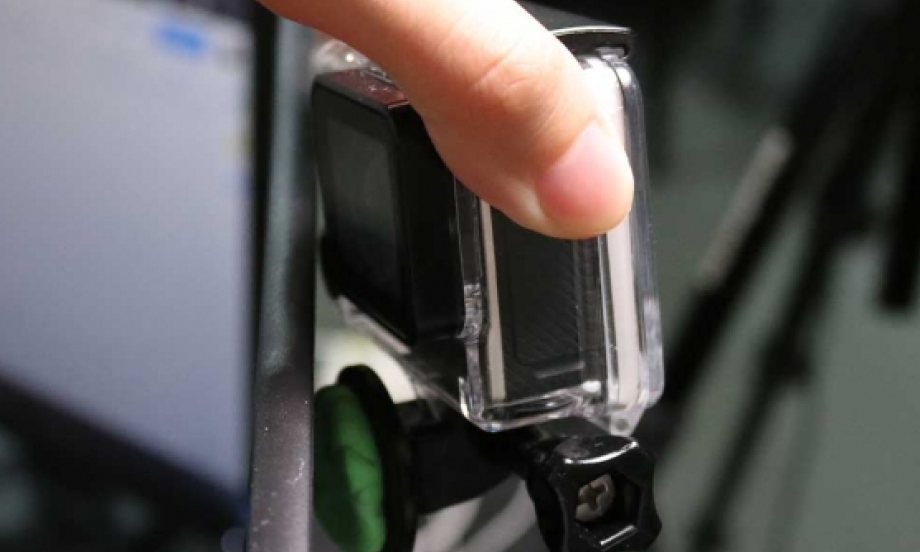
How to mount your camera using Blu-Tack
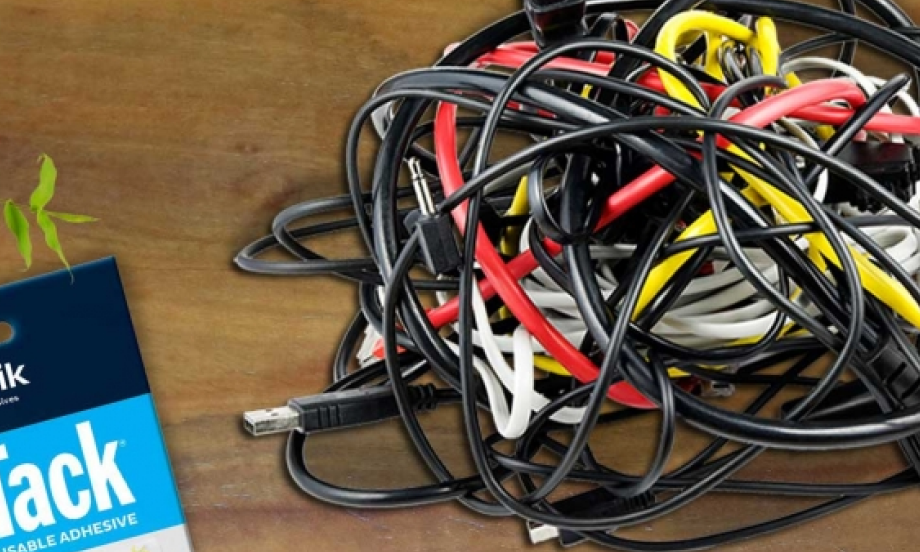
How to organize your power cords with blu-tack
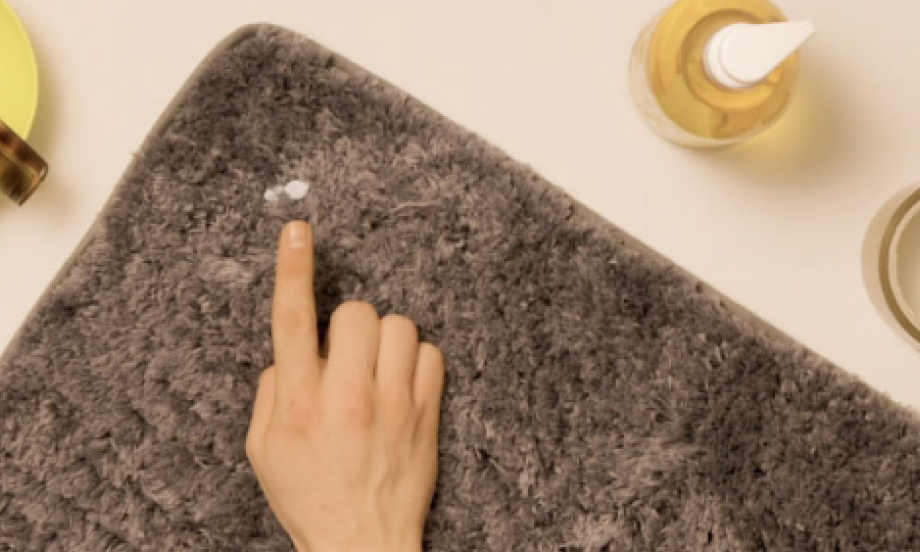
How to remove blu tack® from carpet
How to remove blu tack® stains from a wall

Quick and easy way to organize your earphones with blu-tack colour

Shelf display hack with blu-tack
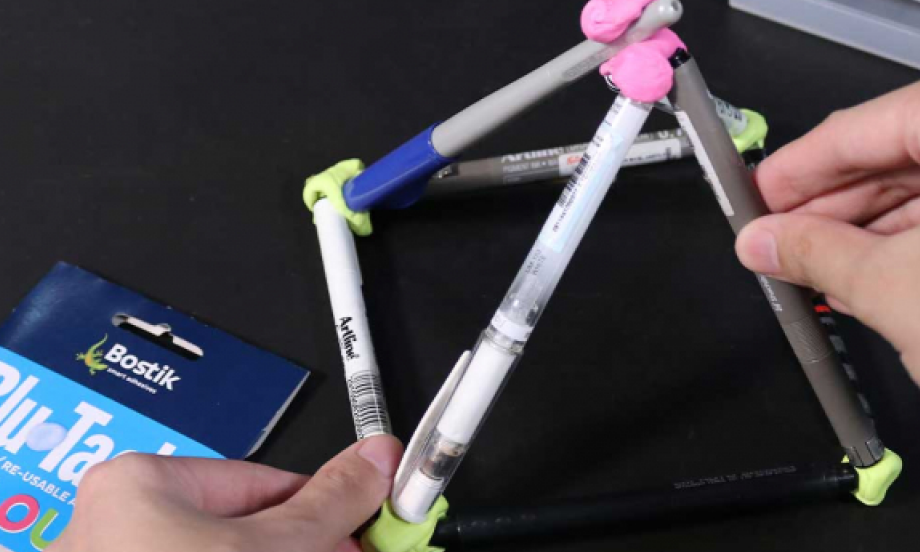
Simple teambuilding activity using Blu-Tack
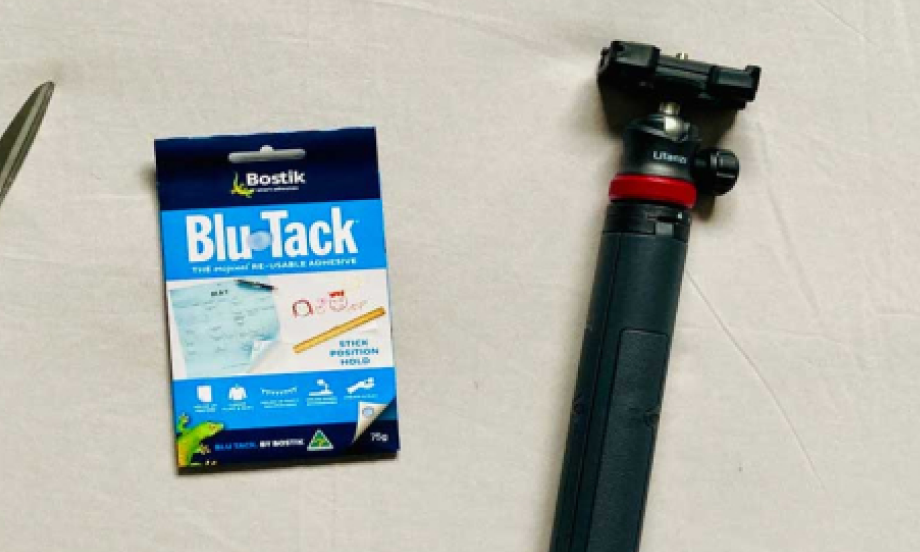
Vlogging made easy with Bostik Blu-Tack
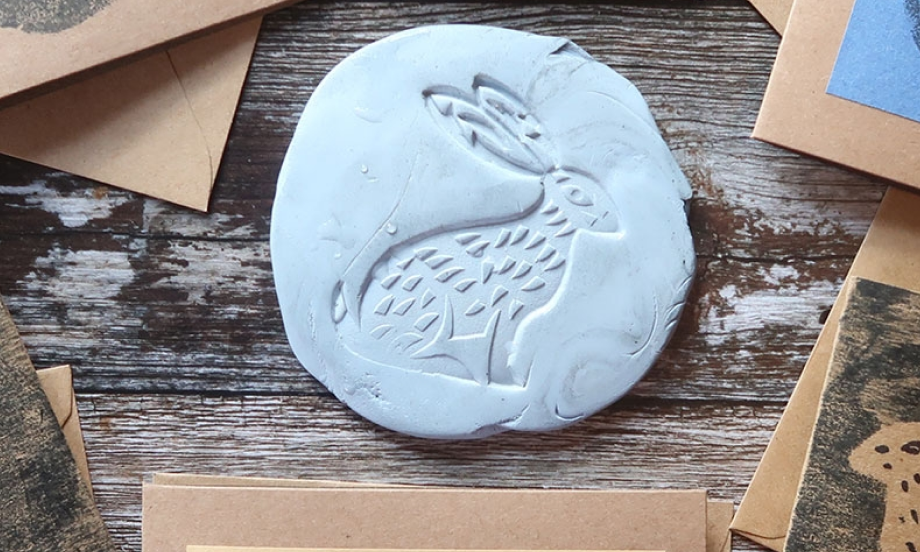
Simple reverse prints

Bostik gecko

How to create sticky name designs
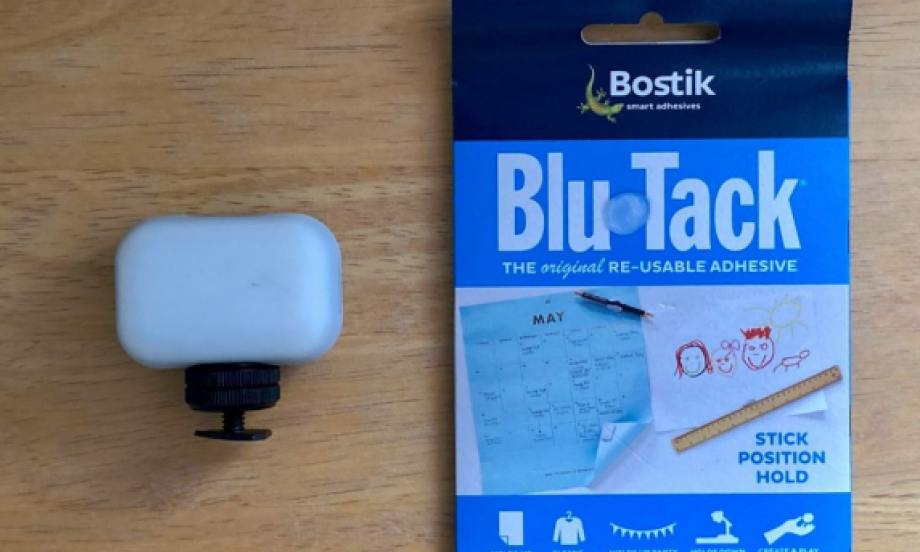
How to enjoy bedtime reading
How to protect your floor from scratches